Best IPTV for Apple TV
4K HDR Setup in 5 Minutes
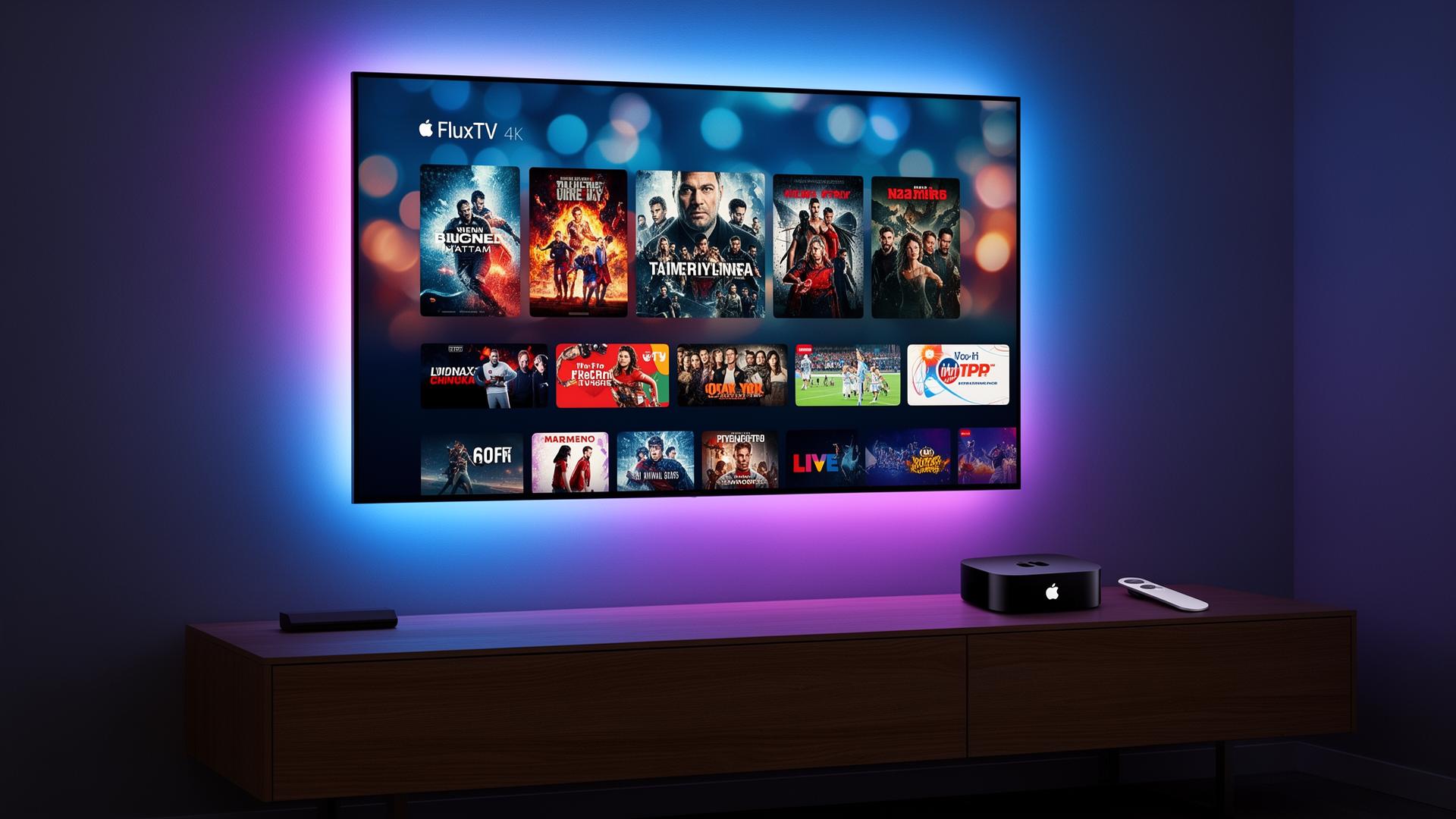
FluxTV is the premium IPTV service built for Apple TV 4K — 40,000+ channels, true 4K HDR10, Dolby Digital audio and a one-time Xtream Codes login that works inside iPlayTV, IPTV Smarters Player and GSE Smart IPTV.
Learn how to setup IPTV on Apple TV in under 5 minutes — no jailbreak, no sideloading, no developer account. Try it risk-free with our free trial, then pick a plan on our pricing page.
🔥 Limited-Time FluxTV Offer
Get premium IPTV at discounted prices before the offer expires.
💎 Choose Your FluxTV Plan
Premium IPTV Streaming • Sports • Movies • Series • 4K Channels
1 Month
- 20,000+ Live Channels
- 80,000+ Movies & Series
- HD / Full HD / 4K
- Fast Activation
- 24/7 Support
- All Devices Supported
7-day money-back guarantee
3 Months
- Everything Included
- Better Value
- Stable Streaming
- Sports & PPV Access
- Premium Support
7-day money-back guarantee
6 Months
- Everything Included
- Long-Term Savings
- Ultra HD Channels
- Priority Support
7-day money-back guarantee
12 Months
- Full Premium Access
- Maximum Savings
- Sports, Movies & Series
- 4K Channels
- Priority Support
7-day money-back guarantee
🎁 Try FluxTV Free for 24 Hours
Not sure yet? Test FluxTV before subscribing.
🚀 Request Free Trial- Full access to channels
- Sports channels included
- HD, Full HD & 4K quality
- Compatible with all devices
- Fast activation
- No commitment required
The premium IPTV benchmark for Apple TV
Built for Apple TV 4K users who expect cinema-grade picture, Dolby audio and zero buffering — the same standards Apple sets for its own hardware.
True 4K HDR10
Dedicated 4K servers stream at 3840×2160 with HDR10 and Dolby Digital — the sharpest IPTV picture on Apple TV 4K.
Sports & PPV
NFL, NBA, MLB, NHL, ESPN, FOX Sports, UFC, boxing and every major PPV event included on Apple TV.
40,000+ Channels
The biggest Apple TV IPTV channel lineup — live TV, cable, premium and international from one Xtream login.
Movies & Series VOD
60,000+ on-demand movies and 18,000+ TV series in HD and 4K, streamable directly inside iPlayTV or Smarters.
Anti-Buffer Servers
Adaptive bitrate and load-balanced servers eliminate buffering, even during peak sports hours.
Instant Activation
Xtream credentials delivered in under 60 seconds — no waiting, no setup fees, no contracts.
Region-Free
Works on US, UK, EU, Canada, MENA and LATAM Apple TVs without locale tweaks.
Premium Reliability
99.9% uptime backed by 24/7 WhatsApp support — the premium IPTV benchmark for Apple TV users.
How to setup IPTV on Apple TV in 4 steps
No jailbreak, no sideloading, no developer account. The full install flow takes under 5 minutes.
- Step 1
Open the tvOS App Store
From the Apple TV home screen, open the App Store and search for an IPTV player — iPlayTV, IPTV Smarters Player or GSE Smart IPTV all work with FluxTV.
- Step 2
Install your player
Tap Get / Install. The player downloads directly from Apple — no sideloading, no jailbreak, no developer account needed.
- Step 3
Add Xtream Codes login
Open the player, choose 'Add Playlist' → Xtream Codes API, and enter the host URL, username and password we email you with your subscription.
- Step 4
Stream in 4K HDR
Your 40,000+ channels, EPG and on-demand library load instantly. Pick a channel and enjoy true 4K HDR10 streaming on your Apple TV 4K.
Top IPTV apps for Apple TV in 2026
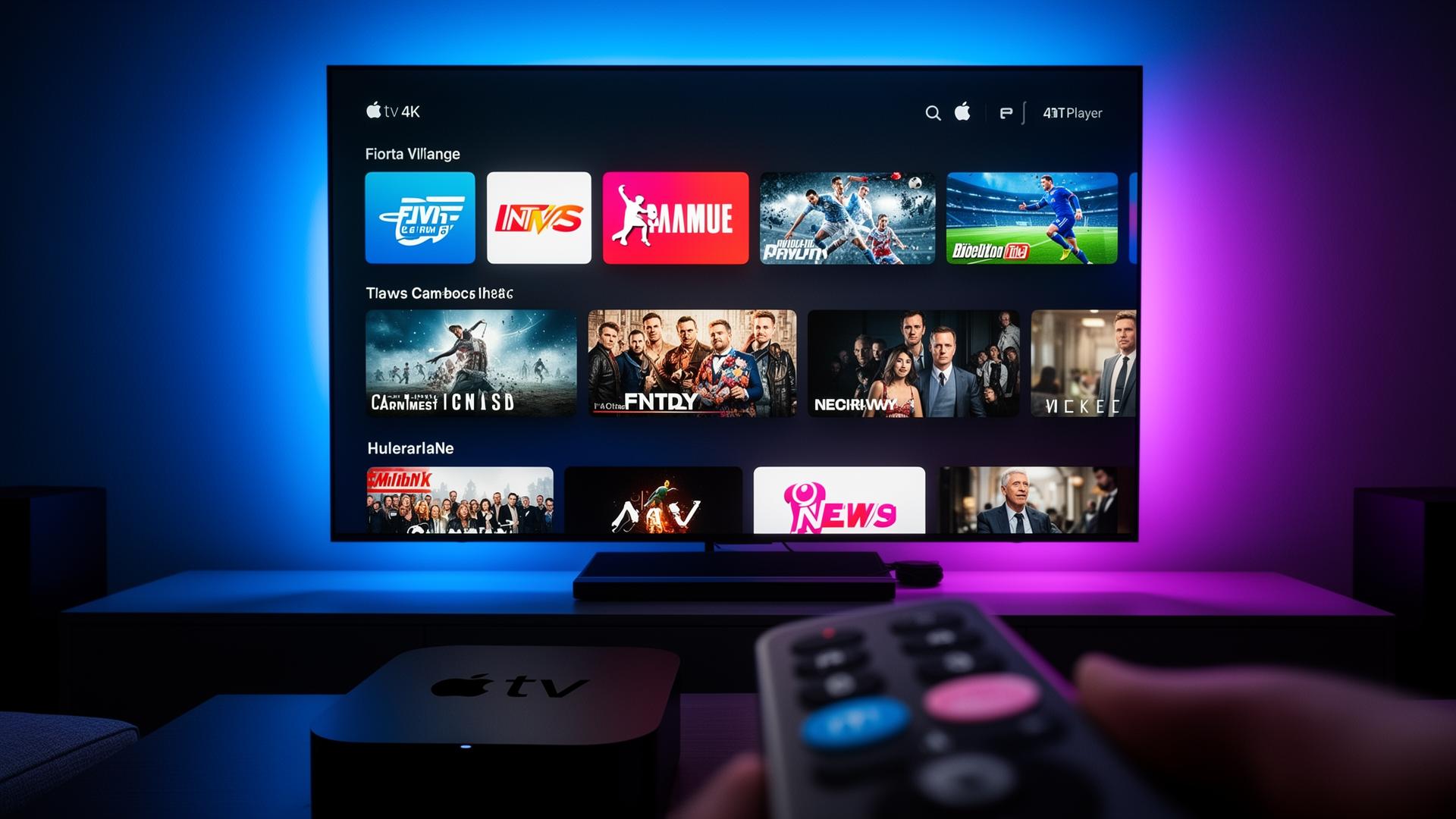
All three players are available directly from the tvOS App Store and work natively with your FluxTV Xtream Codes login.
iPlayTV
The most polished paid IPTV player on tvOS — Siri Remote optimized, smooth EPG, Xtream Codes login, catch-up and multi-playlist support. Recommended for Apple TV 4K users.
IPTV Smarters Player
Free, feature-rich and identical UX to the mobile app. Supports Xtream Codes & M3U, parental controls and multi-screen viewing. Best free choice on Apple TV.
GSE Smart IPTV
A solid free alternative with M3U & Xtream Codes login, EPG and catch-up. Lightweight and reliable — great backup player on every tvOS version.
Prefer Smarters across all your devices? Read the full IPTV Smarters setup guide.

True 4K UHD + HDR10 on Apple TV 4K
FluxTV's dedicated 4K servers deliver the highest-quality IPTV feed on the market — engineered to match Apple TV 4K's premium picture and Dolby audio pipeline.
4K UHD @ 60fps
Premium channels, sports and PPV main events stream at full 3840×2160 with HDR10 on Apple TV 4K (1st, 2nd & 3rd gen).
Anti-Buffer Servers
Multiple global datacenters and tvOS-tuned delivery keep playback smooth on Apple TV 4K with zero rebuffer.
Adaptive Bitrate
FluxTV auto-adapts between 4K, Full HD and HD based on your network so Apple TV playback never freezes.
See the full UHD lineup in our IPTV 4K streaming guide — every 4K channel & HDR sports event included.
Apple TV IPTV questions answered
Related FluxTV Guides
IPTV USA
NFL, NBA, MLB and 40,000+ US channels in 4K on Apple TV.
Read guideIPTV UK
Premier League, Sky Sports & TNT Sports on Apple TV 4K.
Read guideIPTV for Smart TV
Stream FluxTV on Samsung, LG and any modern Smart TV.
Read guideIPTV for Firestick
Install IPTV on any Amazon Fire TV in under 5 minutes.
Read guideIPTV Smarters Setup
Step-by-step Smarters guide for Apple TV, iPhone & Android.
Read guideIPTV 4K Streaming
Every 4K channel & HDR sports event included with FluxTV.
Read guide