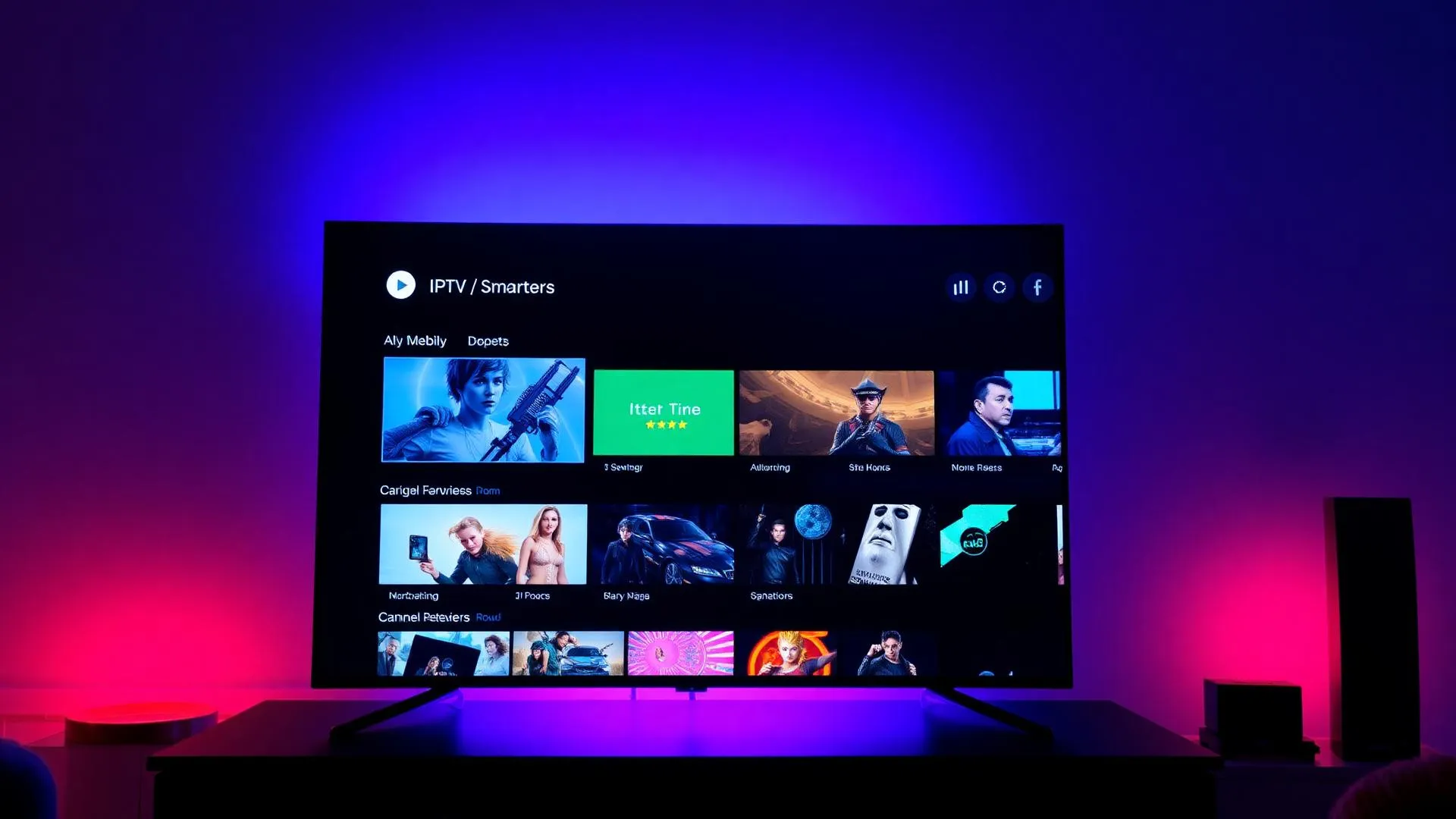
IPTV Smarters Setup Guide
for FluxTV
The complete guide to install & configure IPTV Smarters Pro — the best IPTV player for live TV, sports, movies and series in HD & 4K.
🔥 Limited-Time FluxTV Offer
Get premium IPTV at discounted prices before the offer expires.
💎 Choose Your FluxTV Plan
Premium IPTV Streaming • Sports • Movies • Series • 4K Channels
1 Month
- 20,000+ Live Channels
- 80,000+ Movies & Series
- HD / Full HD / 4K
- Fast Activation
- 24/7 Support
- All Devices Supported
7-day money-back guarantee
3 Months
- Everything Included
- Better Value
- Stable Streaming
- Sports & PPV Access
- Premium Support
7-day money-back guarantee
6 Months
- Everything Included
- Long-Term Savings
- Ultra HD Channels
- Priority Support
7-day money-back guarantee
12 Months
- Full Premium Access
- Maximum Savings
- Sports, Movies & Series
- 4K Channels
- Priority Support
7-day money-back guarantee
🎁 Try FluxTV Free for 24 Hours
Not sure yet? Test FluxTV before subscribing.
🚀 Request Free Trial- Full access to channels
- Sports channels included
- HD, Full HD & 4K quality
- Compatible with all devices
- Fast activation
- No commitment required
What is IPTV Smarters?
IPTV Smarters Pro is the most popular IPTV player in the world. It turns any device — Firestick, Smart TV, Android, iOS, Mac or Windows — into a premium streaming box.
Paired with FluxTV, IPTV Smarters gives you 40,000+ live channels, full VOD, series, EPG, multi-screen and 4K playback in one clean interface.
Setup IPTV Smarters in 4 steps
Works the same way on Firestick, Android TV, Smart TV, iOS, Android, Mac and Windows.
- 01
Install IPTV Smarters
Download IPTV Smarters Pro from the Amazon Appstore, Google Play, the App Store, or sideload it on Firestick using Downloader.
- 02
Choose Xtream Codes API
Open the app and select 'Login with Xtream Codes API' for the cleanest experience with EPG, catch-up and full VOD support.
- 03
Enter FluxTV Credentials
Paste the server URL, username and password from your FluxTV activation email. The app pulls all 40,000+ channels automatically.
- 04
Stream in HD & 4K
Browse Live TV, Movies and Series tabs and start streaming instantly in HD and true 4K UHD — anywhere in the world.
IPTV Smarters Login Guide
Three ways to sign in to IPTV Smarters Pro with your FluxTV credentials — pick the one that fits your device and setup.
Login with Xtream Codes API
The recommended method. Enter the server URL, username and password from your FluxTV email. You get clean Live TV / Movies / Series tabs, a 7-day EPG and full Catch-Up TV.
Login with M3U URL
Choose 'Load Your Playlist or File/URL' and paste the full M3U link. Best for portable setups and devices where Xtream isn't supported.
Login using Username & Password
Inside the Xtream Codes screen, fill the username and password fields exactly as sent to you — they're case-sensitive. No spaces before or after the characters.
Common login mistakes
Typing 'http' instead of 'http://', using the wrong port, copying spaces, expired credentials, or selecting the wrong login method. Double-check the activation email and try again.
Need a hand? Message us on WhatsApp and we'll log you in remotely in under 2 minutes.
IPTV Smarters Features
Everything you need from a modern IPTV player — built into one fast, clean interface.
Live TV
40,000+ live channels organized by country, sports, news, kids and entertainment.
Movies & Series
Massive VOD library with posters, descriptions, trailers and resume playback.
EPG Guide
Full 7-day Electronic Program Guide with channel logos and current/next program info.
Favorites
Mark channels, movies and series as favorites for one-tap access across devices.
Multi-screen support
Watch multiple channels at once or stream on several devices with a single account.
External player support
Send any stream to MX Player, VLC or Wuffy Player for advanced playback control.
Catch-up TV
Rewind live TV up to 7 days and replay matches, shows or news you missed.
Auto updates
Channel list, EPG and VOD library refresh automatically — no manual reloads needed.
Live TV + EPG
Full 7-day TV guide with channel logos, categories and instant zap.
VOD & Series
On-demand movies and series with posters, trailers and resume playback.
Multi-Audio & Subs
Switch audio tracks and subtitles on the fly — perfect for international content.
Anti-Buffer Engine
Built-in adaptive streaming for stable playback even on slow connections.
Works Worldwide
USA, UK, Canada, EU, MENA and LATAM — one player, every region.
Parental Controls
PIN-lock adult and kids categories with the built-in parental controls.
Supported Devices for IPTV Smarters
IPTV Smarters Pro runs on virtually every modern streaming device. Pick yours below and follow the matching guide.
Amazon Firestick
The most popular device for IPTV Smarters. Sideload the APK with Downloader and stream 4K in minutes.
Firestick guideAndroid TV
Native install from the Play Store with full remote support, EPG and 4K streaming on Sony, TCL and Nvidia Shield.
Android Phone
Watch live TV, movies and series on the go, with Picture-in-Picture and Chromecast support.
iPhone & iPad
Official iOS app with 4K playback, AirPlay and Picture-in-Picture. Ideal for travel and second-screen viewing.
Samsung Smart TV
On newer Tizen models, sideload IPTV Smarters or stream from a connected Firestick / Android box for full 4K.
LG Smart TV
WebOS LG TVs work best with a Firestick or Android TV box running IPTV Smarters and your FluxTV credentials.
Smart TV guideWindows PC
Download the IPTV Smarters Pro Windows app for a desktop streaming experience with multi-window support.
Mac
Native macOS app delivers smooth playback, full EPG and 4K streaming on Apple Silicon and Intel Macs.
IPTV Smarters Not Working? Fix Common Issues
99% of IPTV Smarters problems come down to six issues. Here's how to fix each one in seconds.
Invalid URL errors
Make sure the server URL starts with http:// or https:// and includes the correct port. Re-copy it directly from your FluxTV activation email.
Username/password issues
Credentials are case-sensitive. Remove any accidental spaces and confirm the subscription is active. Contact support if the issue persists.
Channels not loading
Force-close IPTV Smarters, clear the app cache, and re-open. If only some channels fail, the source stream may be temporarily down — try again in a few minutes.
Buffering problems
Switch to 5 GHz Wi-Fi or Ethernet, run a speed test (10+ Mbps for HD, 25+ Mbps for 4K), and use a VPN if your ISP is throttling streaming traffic.
App crashing
Update IPTV Smarters Pro to the latest version, clear the app data and re-login. On Firestick, free up storage and restart the device.
Internet connection issues
Reboot your router, disable any aggressive DNS filters and pause heavy downloads on the network while streaming live TV.
IPTV Smarters, answered
Why customers choose FluxTV
Free Trial Available
Test FluxTV on IPTV Smarters before subscribing — no credit card required.
Fast Activation
Credentials delivered in minutes after order, ready to paste into Smarters.
24/7 Support
Real humans on WhatsApp — setup help, billing, troubleshooting, anytime.
HD & 4K Streaming
True 4K UHD with HDR, tuned for the IPTV Smarters Pro player engine.
Compatible with IPTV Smarters Pro
Native Xtream Codes API support — full EPG, VOD, Catch-Up out of the box.
Secure Setup Assistance
Encrypted connection, private credentials, and remote setup help on request.
Optimized for Smarters
FluxTV servers are pre-configured for the IPTV Smarters Xtream API — instant zap, no buffering.
True 4K UHD
Native 4K streams with HDR, perfectly tuned for IPTV Smarters Pro's player engine.
40,000+ Channels
Worldwide live TV, sports PPV, news, kids and entertainment — all inside one Smarters playlist.
EPG + Catch-Up
Full 7-day EPG and catch-up TV automatically populate inside IPTV Smarters.
Start Your Free Trial Today
Test the service before subscribing. Setup assistance is available if needed.
7-day money-back guarantee · Instant activation · 24/7 WhatsApp support
Related FluxTV Guides
TiviMate Setup Guide
Looking for TiviMate setup? Full TiviMate Premium walkthrough.
Read guideIPTV for Firestick
Install IPTV Smarters on Amazon Fire TV step by step.
Read guideIPTV for Apple TV
Run IPTV Smarters on Apple TV 4K — full tvOS setup guide.
Read guideIPTV for Smart TV
Samsung, LG and Android TV setup with native apps.
Read guide