IPTV for NVIDIA Shield TV Pro
The ultimate 4K UHD IPTV setup. Use the Shield TV Pro's powerful processor, gigabit ethernet and AI upscaling to stream FluxTV without buffering — via Tivimate or IPTV Smarters Pro.
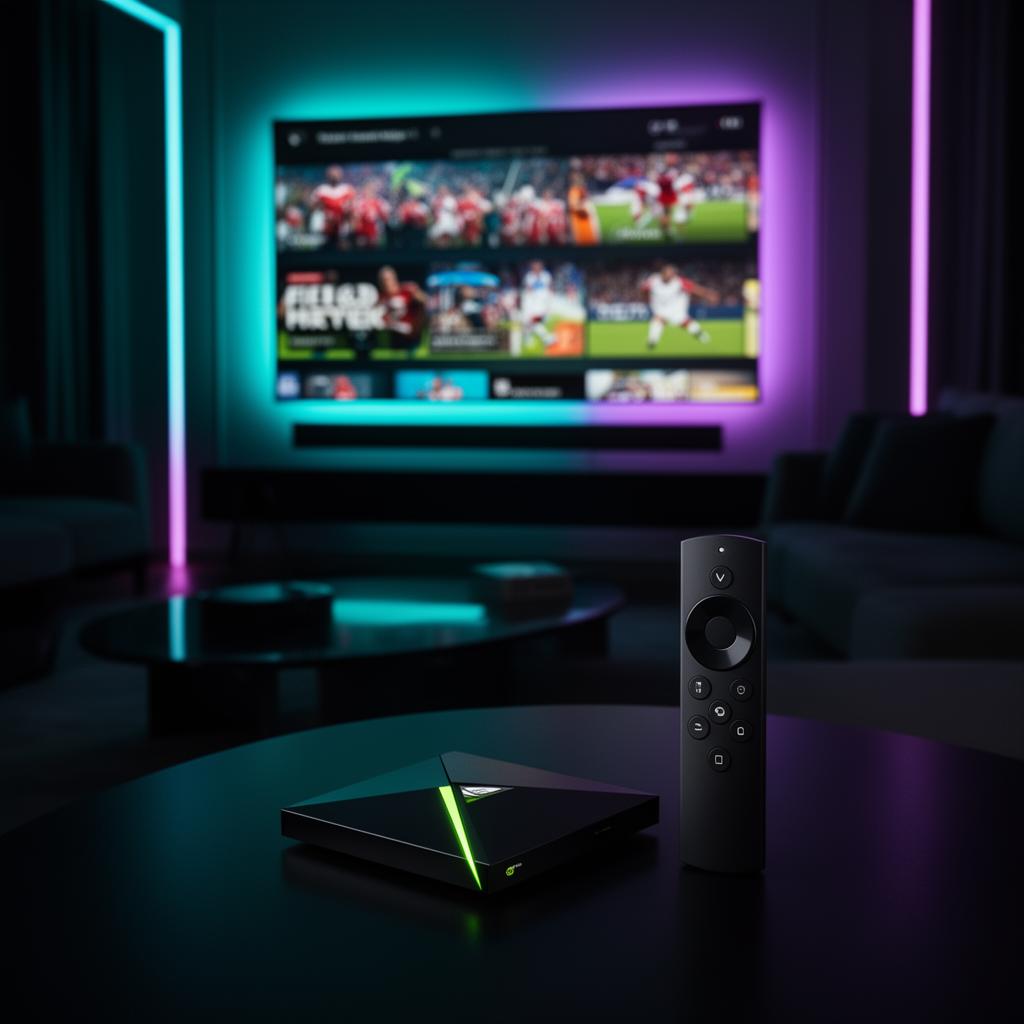
The Best Hardware for High-Bitrate 4K IPTV
NVIDIA Shield TV Pro is the industry benchmark for power users who want buffer-free 4K UHD streaming, fast channel zapping and wired reliability.
Tegra X1+ Power
The Shield TV Pro's processor handles high-bitrate 4K UHD streams with ease — no lag, no stutter during live sports or fast action scenes.
Gigabit Ethernet
A dedicated wired port eliminates Wi-Fi congestion and buffering, giving you the most stable connection for 4K IPTV.
Android TV Native
Full access to Google Play Store IPTV apps, plus sideloading via Downloader for the latest player versions.
Tivimate & Smarters
Both premium IPTV players run perfectly on Shield, with Xtream Codes, EPG, catch-up and 4K hardware decoding.
AI-Enhanced 4K Upscaling
NVIDIA's AI upscaling improves lower-resolution streams, making HD channels look sharper on your 4K TV.
Global & Private
Works worldwide with no regional locks. Optional VPN support for users who want extra privacy on public networks.
Install IPTV on NVIDIA Shield TV Pro
Use the Downloader app to sideload Tivimate or IPTV Smarters Pro, then log in with your FluxTV Xtream Codes.
Install Downloader from Play Store
On your NVIDIA Shield TV Pro, open the Google Play Store, search for 'Downloader by AFTVnews' and install it. This free app lets you sideload Tivimate or IPTV Smarters Pro in seconds.
Enable Unknown Sources
Go to Settings → Device Preferences → Security & Restrictions and toggle 'Unknown Sources' on for Downloader. This allows the app to install IPTV players outside the Play Store.
Download Your IPTV Player
Open Downloader, enter the Tivimate or IPTV Smarters Pro APK URL, then select Go and Install. The player will be ready on your Shield home screen in under a minute.
Add FluxTV & Start Streaming
Launch the player, choose Xtream Codes API, and enter the host, username and password we email you. Your 40,000+ live channels, movies and sports load instantly in HD, Full HD and 4K UHD.
Activate FluxTV on Your Shield TV Pro
Pick a subscription, get instant Xtream Codes, and start streaming 40,000+ channels on your NVIDIA Shield.
🔥 Limited-Time FluxTV Offer
Get premium IPTV at discounted prices before the offer expires.
💎 Choose Your FluxTV Plan
Premium IPTV Streaming • Sports • Movies • Series • 4K Channels
1 Month
- 20,000+ Live Channels
- 80,000+ Movies & Series
- HD / Full HD / 4K
- Fast Activation
- 24/7 Support
- All Devices Supported
7-day money-back guarantee
3 Months
- Everything Included
- Better Value
- Stable Streaming
- Sports & PPV Access
- Premium Support
7-day money-back guarantee
6 Months
- Everything Included
- Long-Term Savings
- Ultra HD Channels
- Priority Support
7-day money-back guarantee
12 Months
- Full Premium Access
- Maximum Savings
- Sports, Movies & Series
- 4K Channels
- Priority Support
7-day money-back guarantee
🎁 Try FluxTV Free for 24 Hours
Not sure yet? Test FluxTV before subscribing.
🚀 Request Free Trial- Full access to channels
- Sports channels included
- HD, Full HD & 4K quality
- Compatible with all devices
- Fast activation
- No commitment required
🎁 Try FluxTV Before You Buy
Experience premium IPTV streaming before purchasing a subscription. Test 4K channels, live sports and movies risk-free.
Compatible with
No complicated setup. We guide you step by step.
NVIDIA Shield IPTV Questions
Related FluxTV Guides
IPTV for Firestick
Install IPTV Smarters on Amazon Firestick in under 5 minutes.
Read guideIPTV for Smart TV
Samsung, LG, Android TV and Google TV setup guide.
Read guideIPTV for Apple TV
Set up IPTV on Apple TV 4K with iPlayTV and Smarters.
Read guideTivimate Setup
Master Tivimate playlists, EPG and Xtream Codes login.
Read guideIPTV Smarters
Complete guide to IPTV Smarters Pro on every device.
Read guideIPTV 4K Streaming
How to stream true 4K UHD sports and movies without buffering.
Read guide